

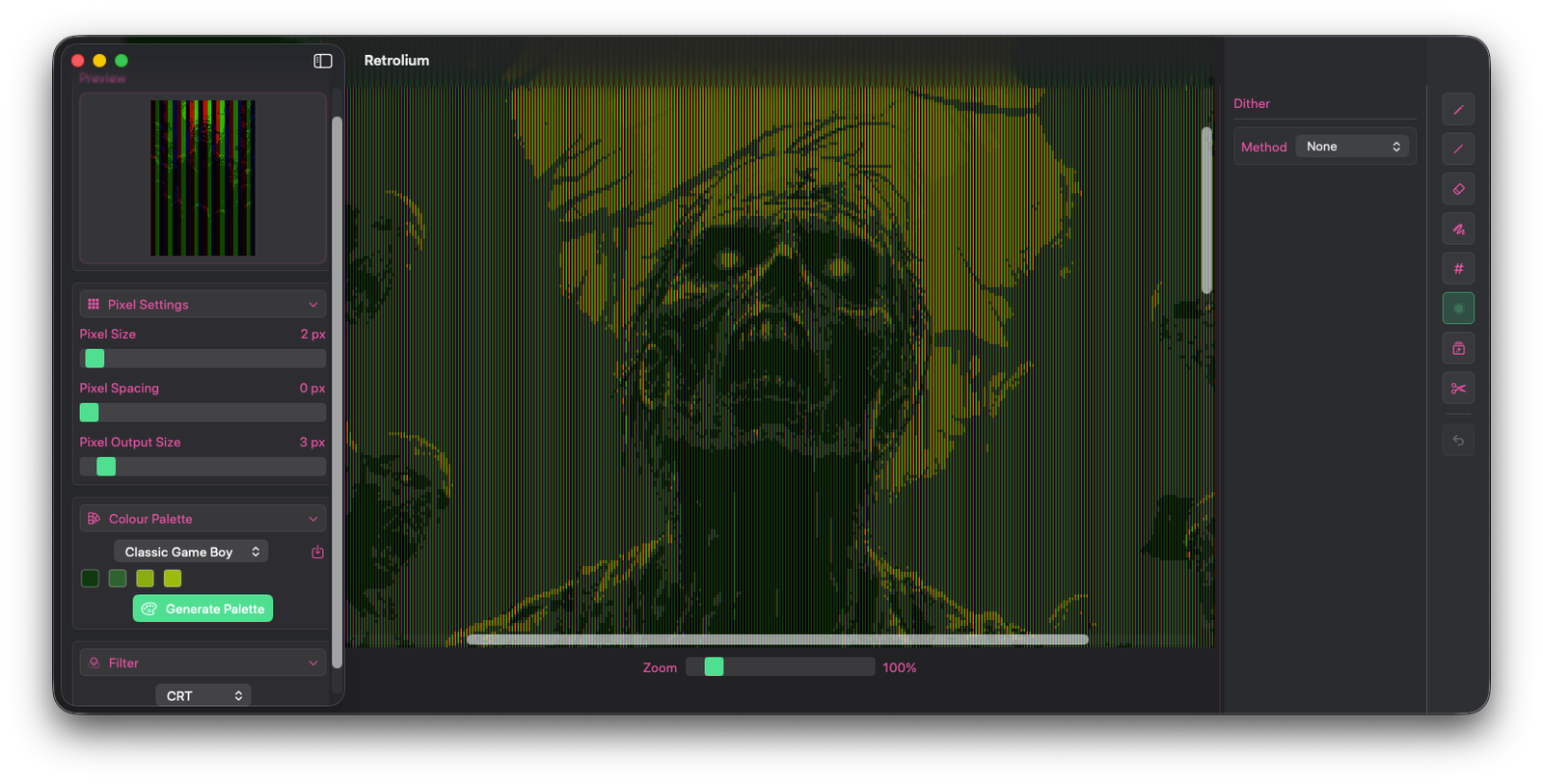
A nostalgia machine for your images.
Do you think high-definition is overrated? Me too, Retrolium help's right this wrong. Drop in your images and pixelate the cr*p out of them.
Filters
Drop your images into Retrolium and let one of four filters work its nostalgic mischief, turning perfectly normal photos into delightfully questionable retro masterpieces
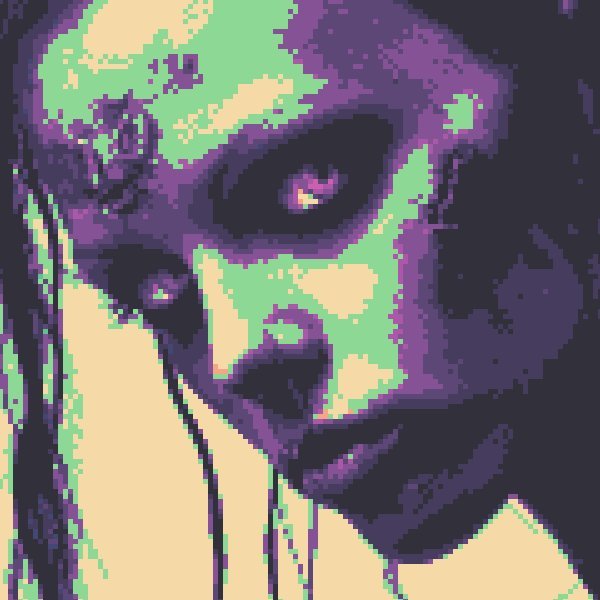
Pixel Art
Turn images into chunky pixel artwork, then recolour the output using built-in or imported palettes.
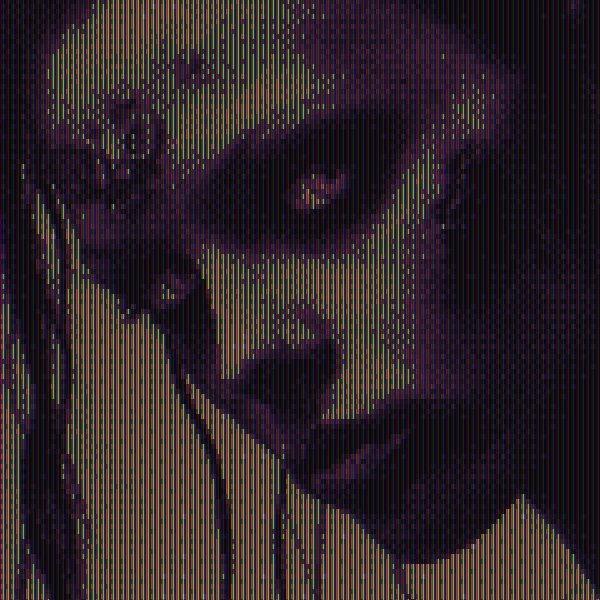
CRT Effect
Pixelate the source and add a CRT-style treatment for an old-monitor feel.
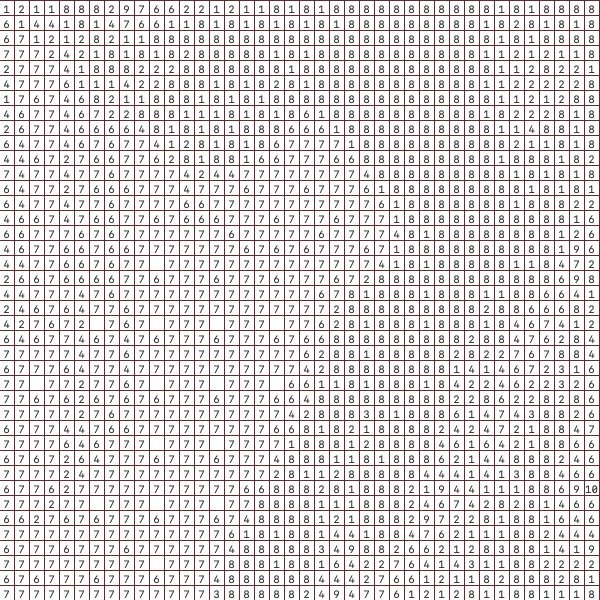
Colour by Numbers
Create printable colour-by-numbers pixel art for slow, analogue colouring sessions.
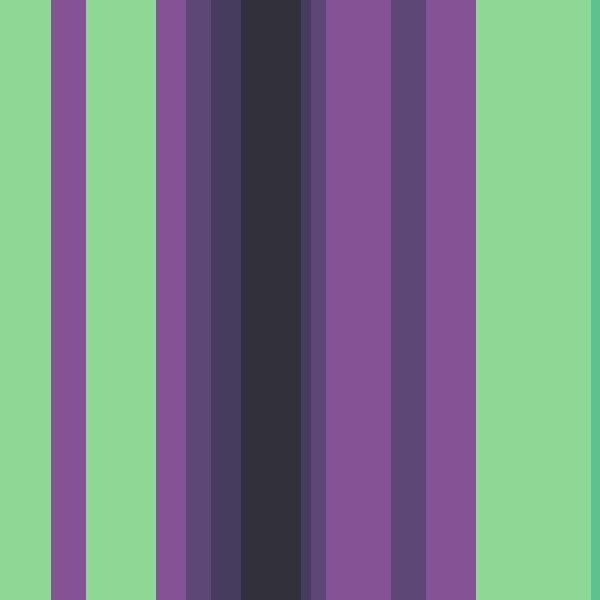
Barcode
Build an abstract barcode pattern from the most prominent colour in each image column.
Dithering
Dithering is the ancient art of sprinkling tiny dots everywhere to fake detail. With Retrolium, you can finally overuse it in your images with the enthusiasm of someone who’s just discovered salt.
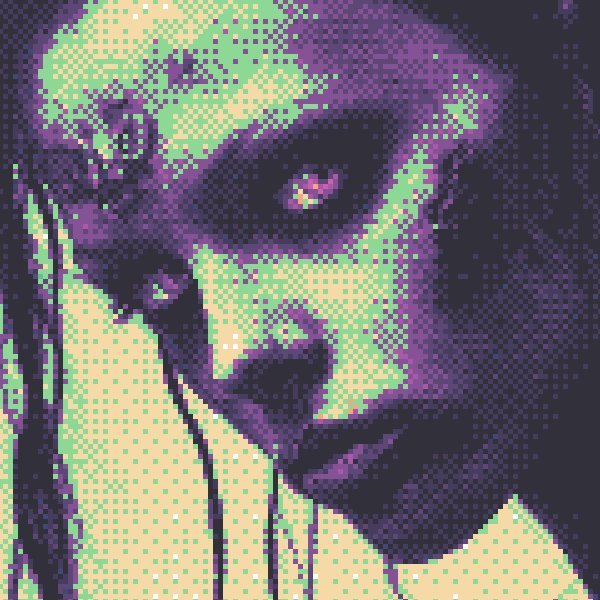
Bayer dithering
A structured ordered-dither look for crisp repeating texture.
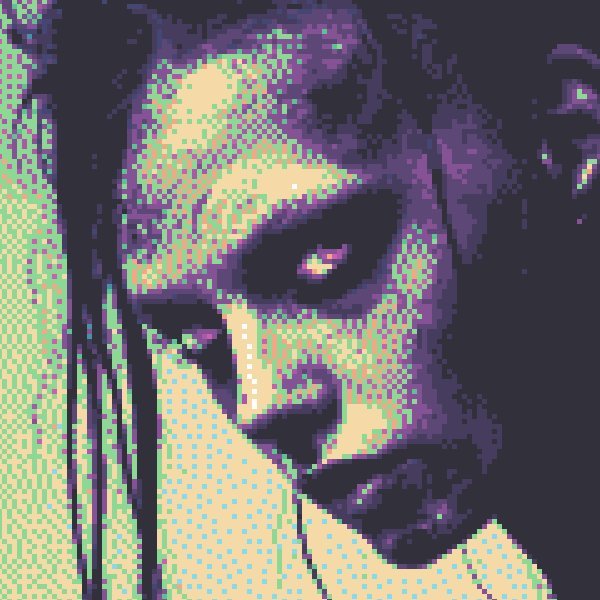
Floyd-Steinberg dithering
A more organic error-diffusion style for noisy, classic image conversion.
Colour control
Retrolium ships with curated palettes including Aurora, Classic CGA, Classic Gameboy, Commodore 64, Grayscale, Intellivision, LCD, NES, and Teletext.
If the built-in palettes are not enough, import .hex palette files or generate a custom palette from the image itself.
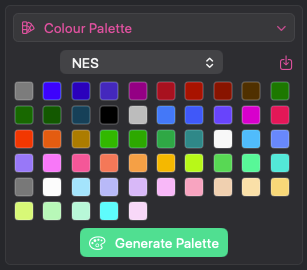
Built-in palettes
Plenty of palettes to choose from.
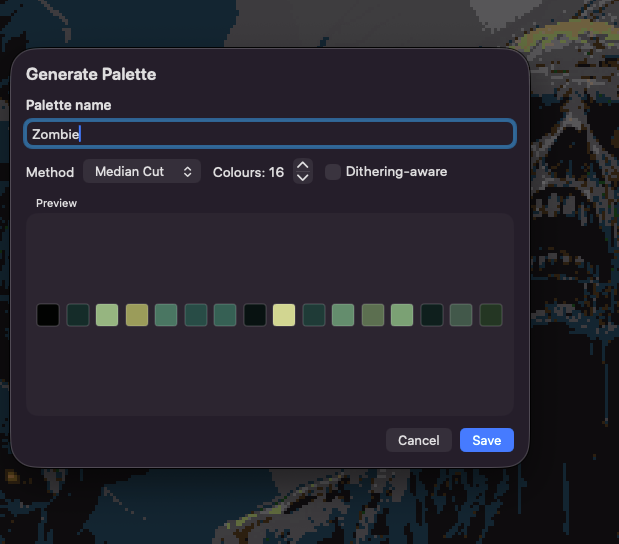
Generate from image
Generate a custom palette from an image.
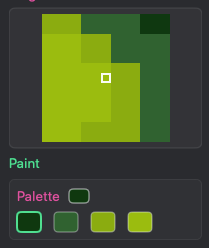
Pixel pen
Oh, you think your better than Retrolium? Fine, fix individual pixels directly.